Foldback Chat local API
While Foldback Chat runs, it serves every chat message and event of Twitch and YouTube as JSON on
127.0.0.1:8792: for OBS docks, Streamer.bot, Stream Deck plugins or your own scripts. Only programs on the same PC
can reach it.
Connect
| What | Address |
| — | — |
| WebSocket (events in, commands out) | ws://127.0.0.1:8792/api/ws |
| Server-sent events (events only) | http://127.0.0.1:8792/api/events |
| The last 100 messages | GET http://127.0.0.1:8792/api/recent |
| The featured message now | GET http://127.0.0.1:8792/api/featured |
| The channel states now (the last status event) | GET http://127.0.0.1:8792/api/status |
Both streams start with the current featured state, then send every event as one JSON object (one SSE data: line or
one WebSocket text frame). Keep-alive: an SSE comment or a WebSocket ping every 20 s.
Events
Every event has a type.
message
{
  "type": "message",
  "id": "b8c2…",
  "platform": "twitch",
  "kind": "chat",
  "user": { "login": "lyalka", "name": "Lyalka", "color": "#FF69B4", "id": "123456789",
            "badges": { "owner": false, "mod": false, "vip": false, "sub": true, "member": false },
            "badgeTags": "subscriber/12,vip/1", "badgeImgs": [] },
  "text": "hi! how is the hunt going? Kappa",
  "parts": [ { "text": "hi! how is the hunt going? " }, { "emote": "https://static-cdn.jtvnw.net/…", "alt": "Kappa" } ],
  "amount": "",
  "first": false,
  "mention": false,
  "own": false,
  "reply": null,
  "highlighted": false,
  "reward": false,
  "time": 1793700000000
}
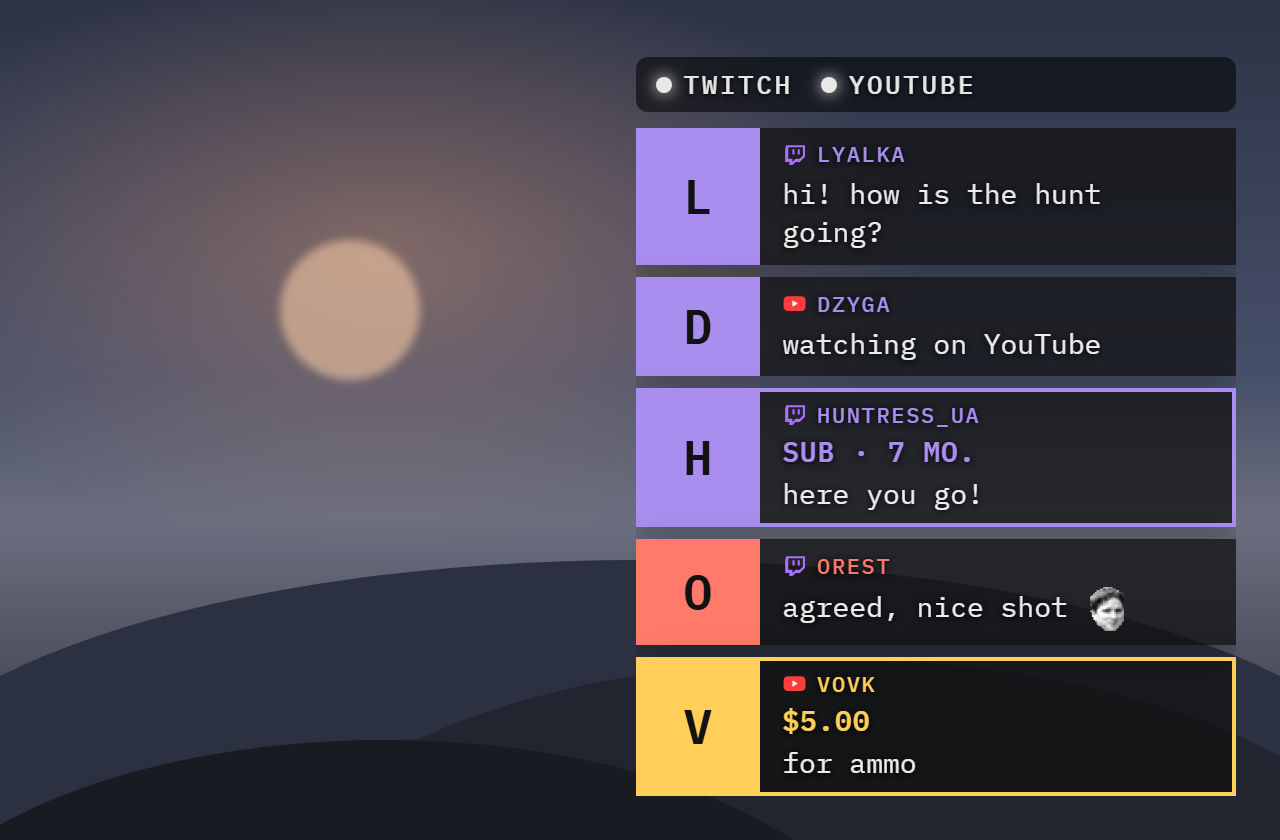
platform:twitchoryoutube.user.id: the platform’s user id (Twitch user id, YouTube channel id).user.badgeTags: Twitch’s badge tags as they come (set/version, comma-separated);user.badgeImgs: badge pictures the platform sent with the message ([{ "src", "title" }], e.g. a YouTube member badge).kind:chat,bits,sub(subs and gifted subs),raid,superchat(YouTube Super Chat or Super Sticker),member(YouTube membership).amount: what the event is worth, as shown in the chat (100 bits,$5.00,sub · 7 mo.), otherwise empty.parts: the text split into plain text and emotes (Twitch, 7TV, BTTV, FFZ, YouTube emoji), in order.first: the viewer’s first message in the channel.mention: matches the streamer’s mentions or own words.own: written by the channel itself.reply:{ "name", "text" }of the message this one answers, ornull.highlighted: a Twitch channel points “Highlight my message”;reward: a channel points reward with text.time: when it arrived, in milliseconds since 1970 (UTC).
Messages hidden by the chat filters (bots, commands, links, ignored people) are not sent.
delete and clear
{ "type": "delete", "id": "b8c2…" }
{ "type": "clear", "login": "spammer" }
A moderator removed one message, or all of a viewer’s messages (login empty — the whole chat was cleared).
status
{ "type": "status", "twitch": "live", "youtube": "wait", "twitchNote": "#channel", "youtubeNote": "not live" }
States: live (connected), wait (connecting, or the stream is not live), error (for example the channel was not
found), off (not set or turned off). Notes are in the app’s language.
featured
{ "type": "featured", "message": { "type": "message", "id": "b8c2…", … } }
{ "type": "featured", "message": null }
The message on screen in the featured source (http://127.0.0.1:8792/obs?featured), or none.
Commands
Over the WebSocket, as text frames:
{ "cmd": "feature", "id": "b8c2…" }
{ "cmd": "feature", "id": "last" }
{ "cmd": "unfeature" }
Or over HTTP, POST only:
POST /api/feature?id=<id>— feature a recent message (id=last— the newest one). With a message JSON as the body (the format above), that message is featured instead, so another app can put its own text on screen.POST /api/unfeature— take the featured message off.
Commands are accepted from programs and from the app’s own pages. Web pages of other sites can read the events but their commands are refused, so a site open in a browser can’t put text on your stream.